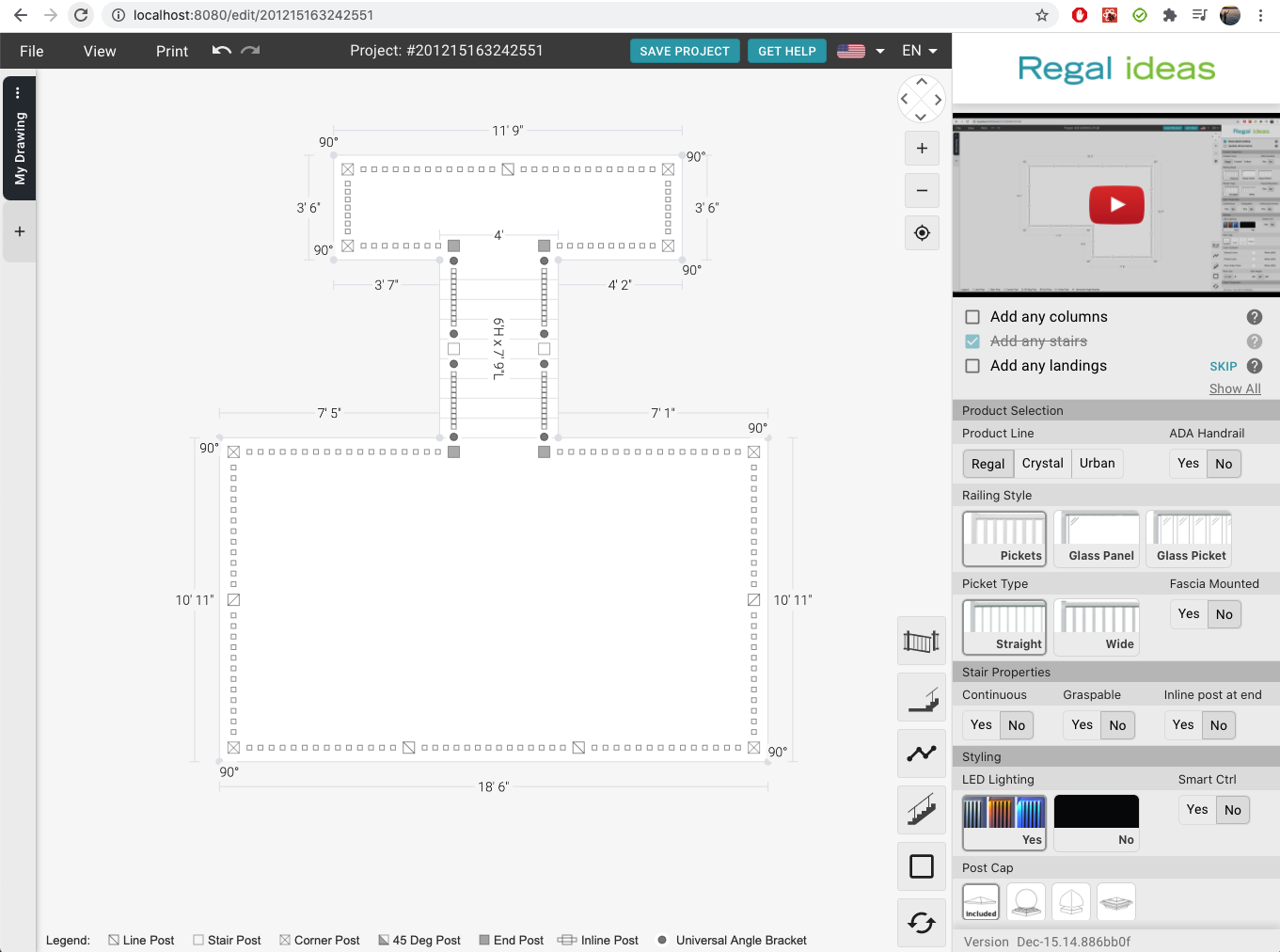
Working with Landings
You can add a landing to the bottom of any stair section.
How to add a landing
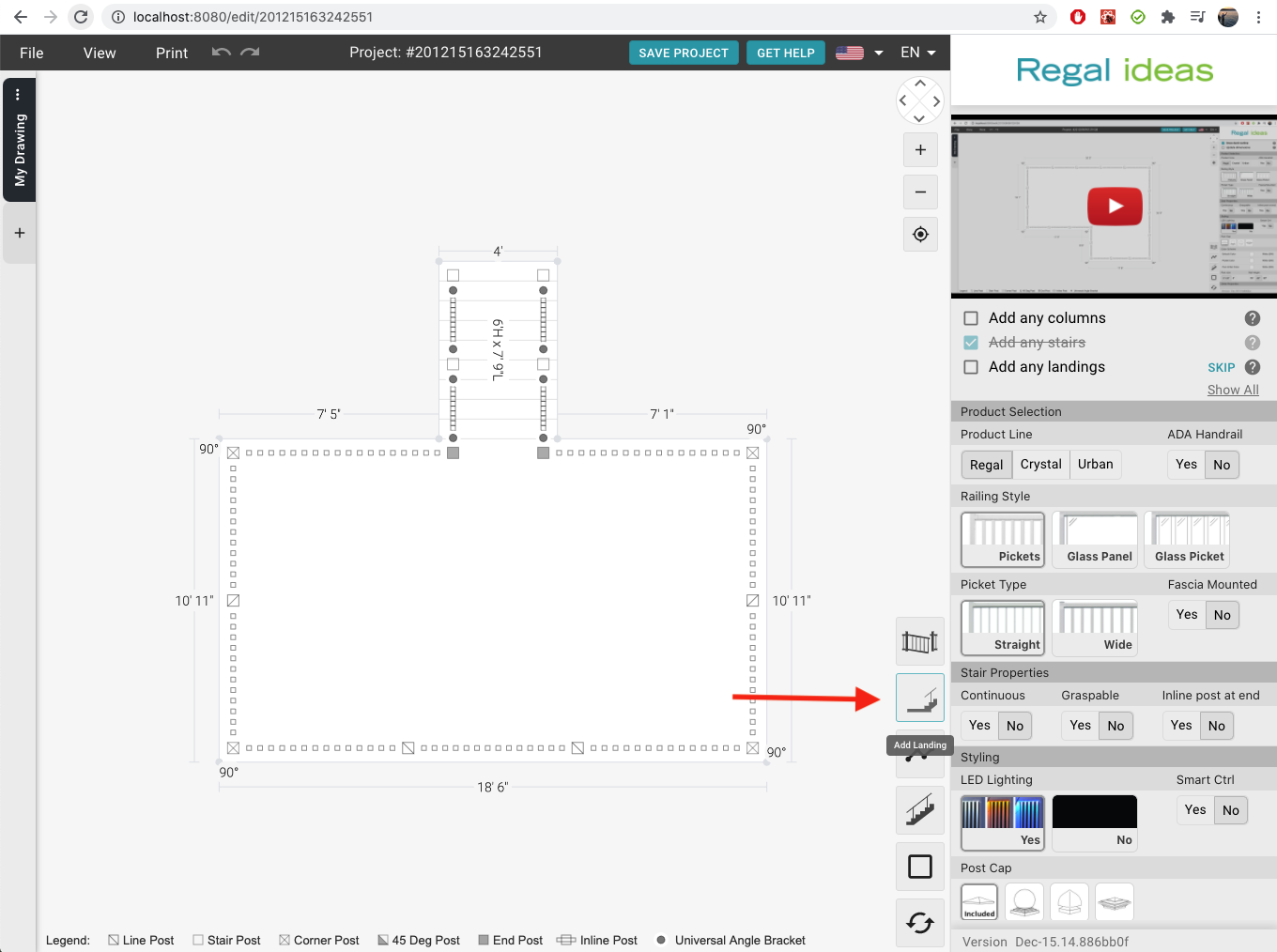
- Look at the bottom right side of the drawing and choose the Landing button
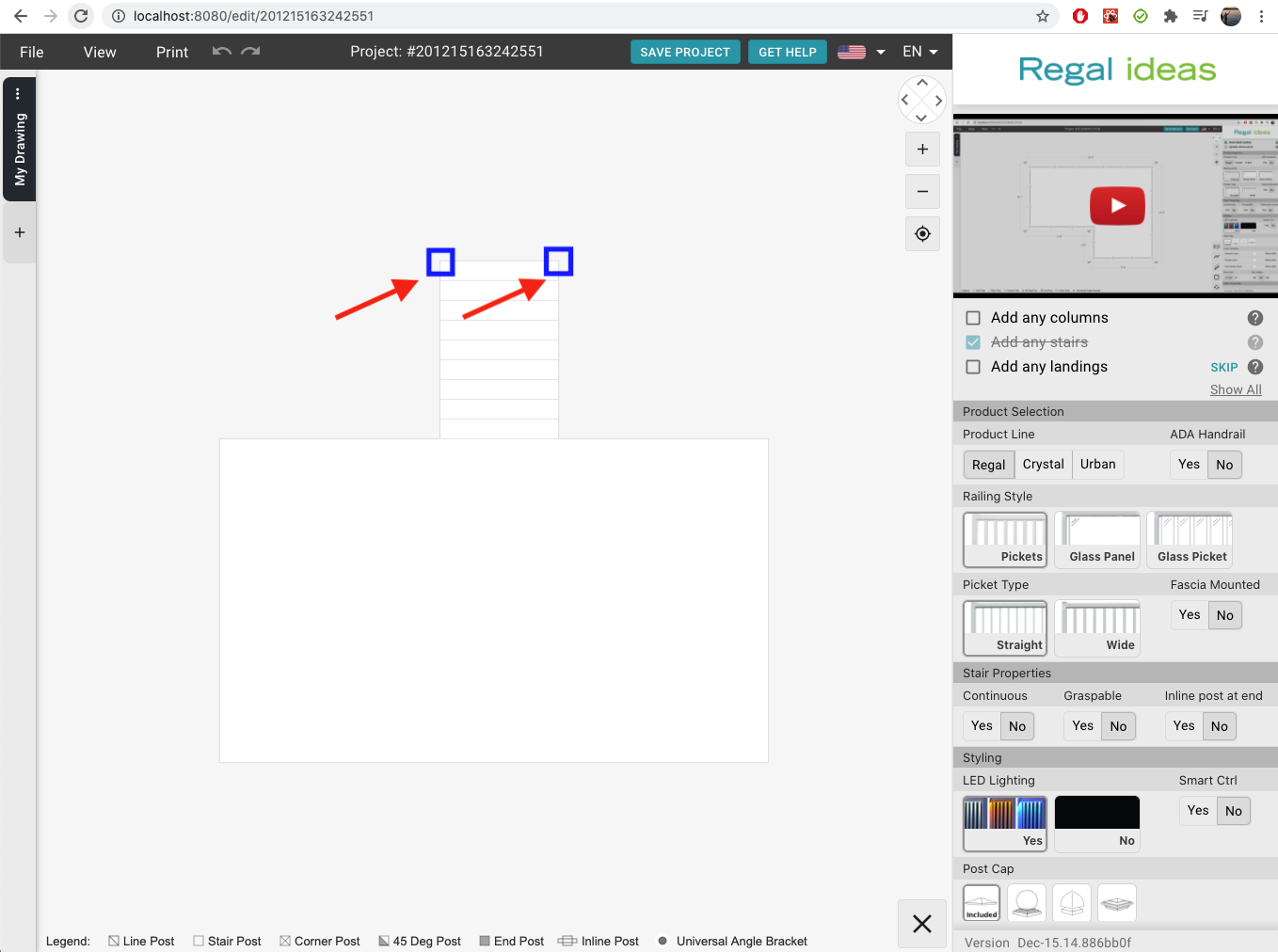
- Click on a stair ending point.
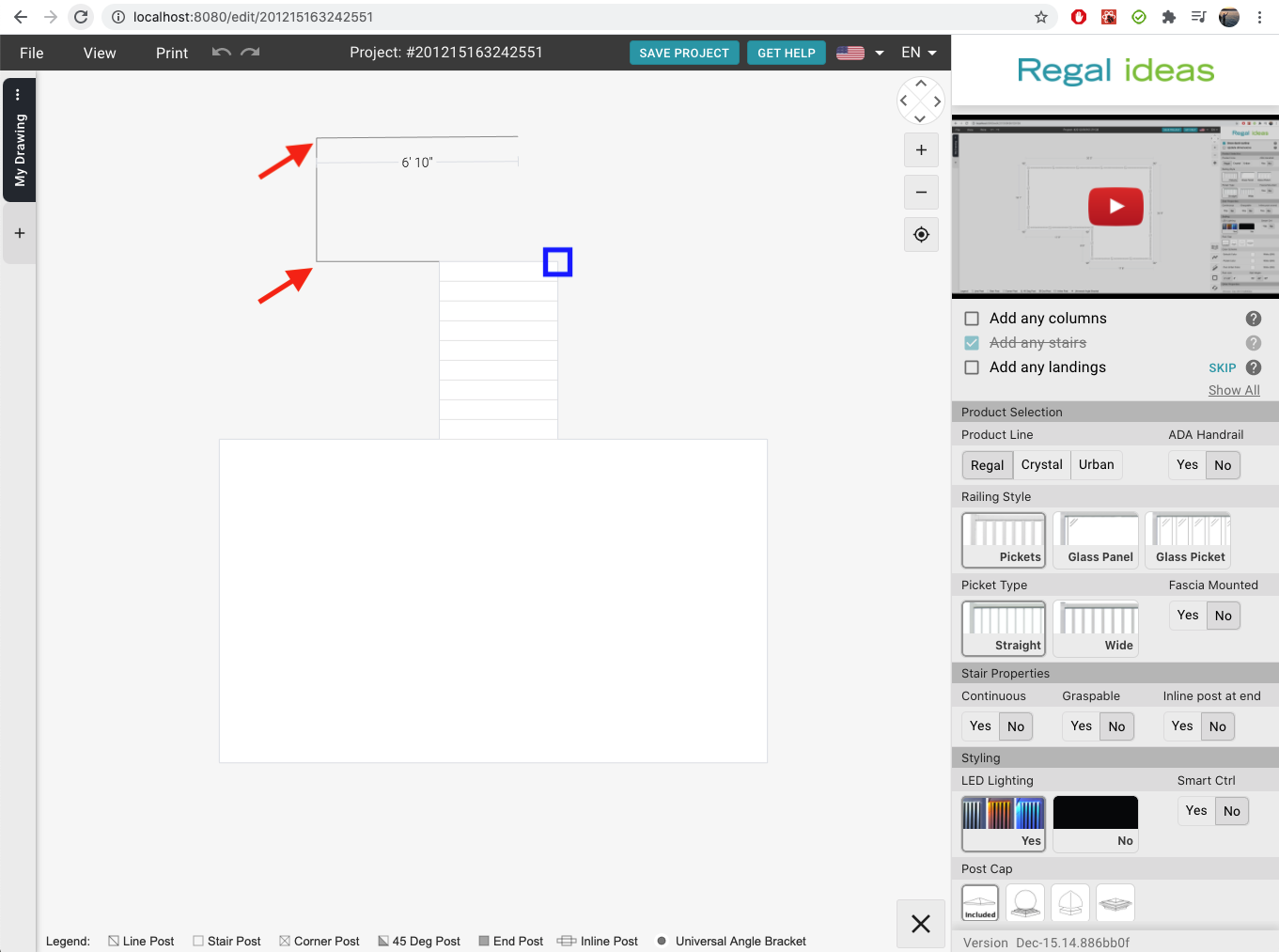
- Move the mouse and click to draw the outline of your landing
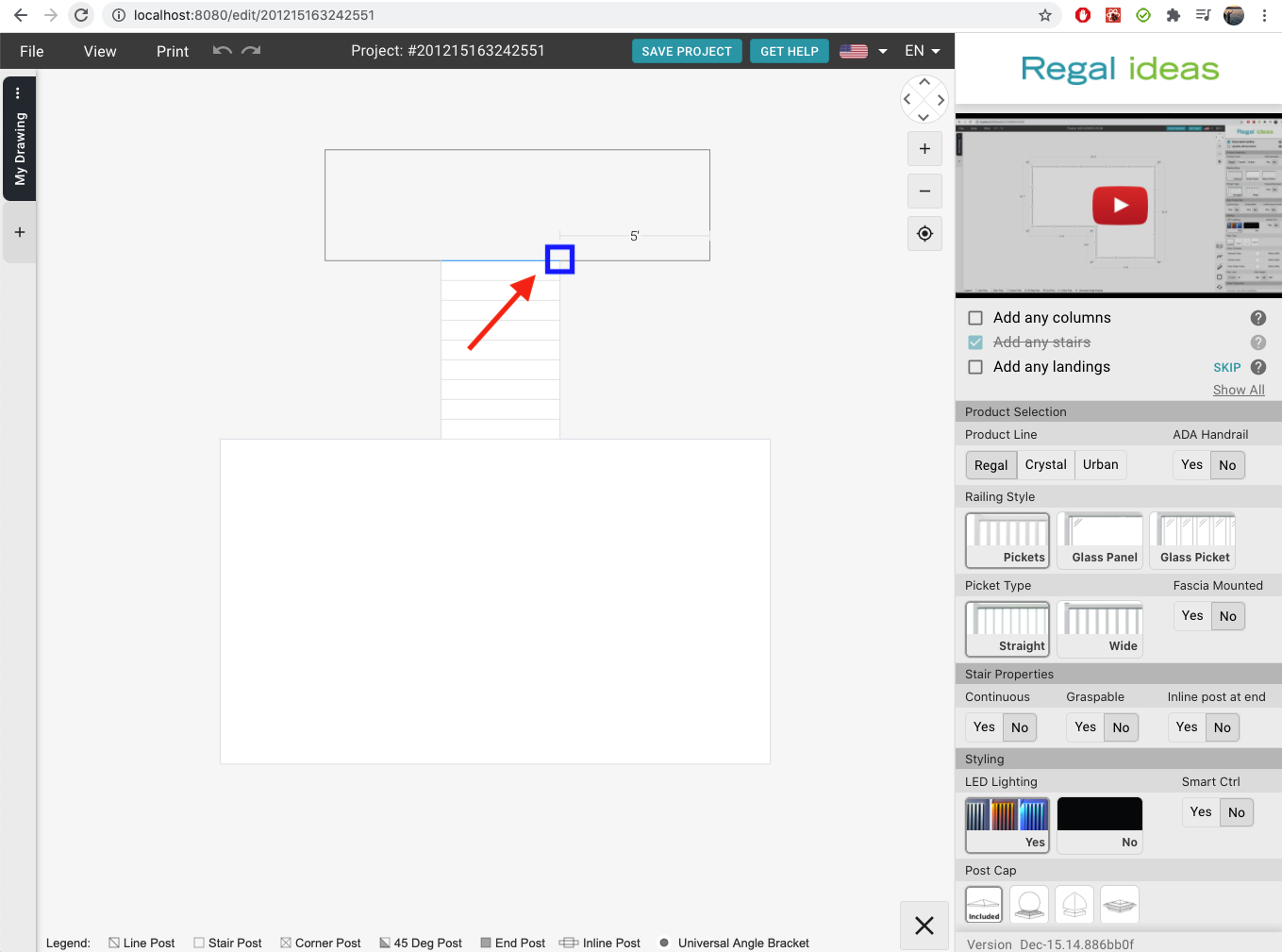
- Complete your landing by connecting your outline to the end of the stairs