Other Freestanding Decks
You can add multiple decks to a single project. We'll create a single package for your multi-deck project.
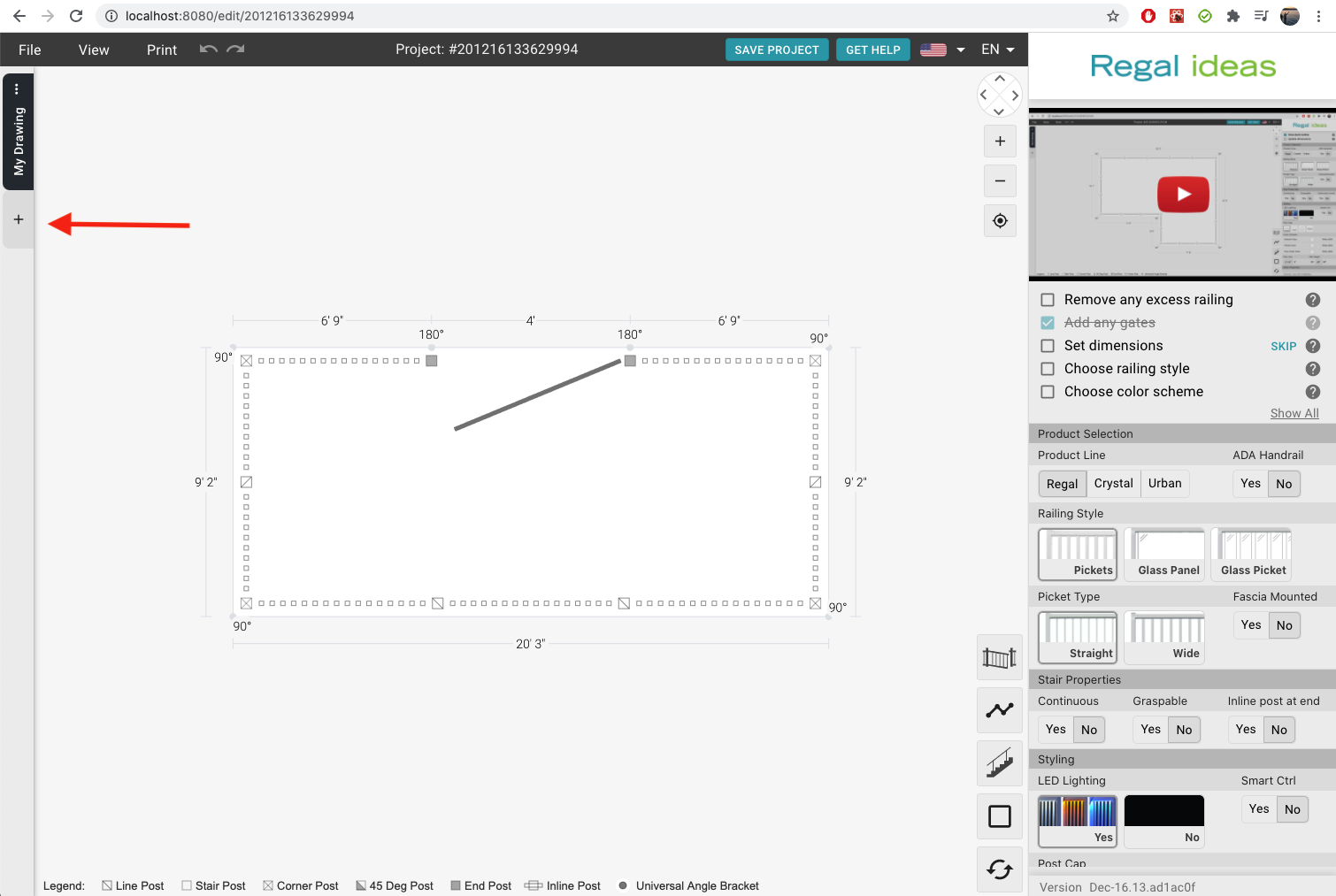
How to add a freestanding deck
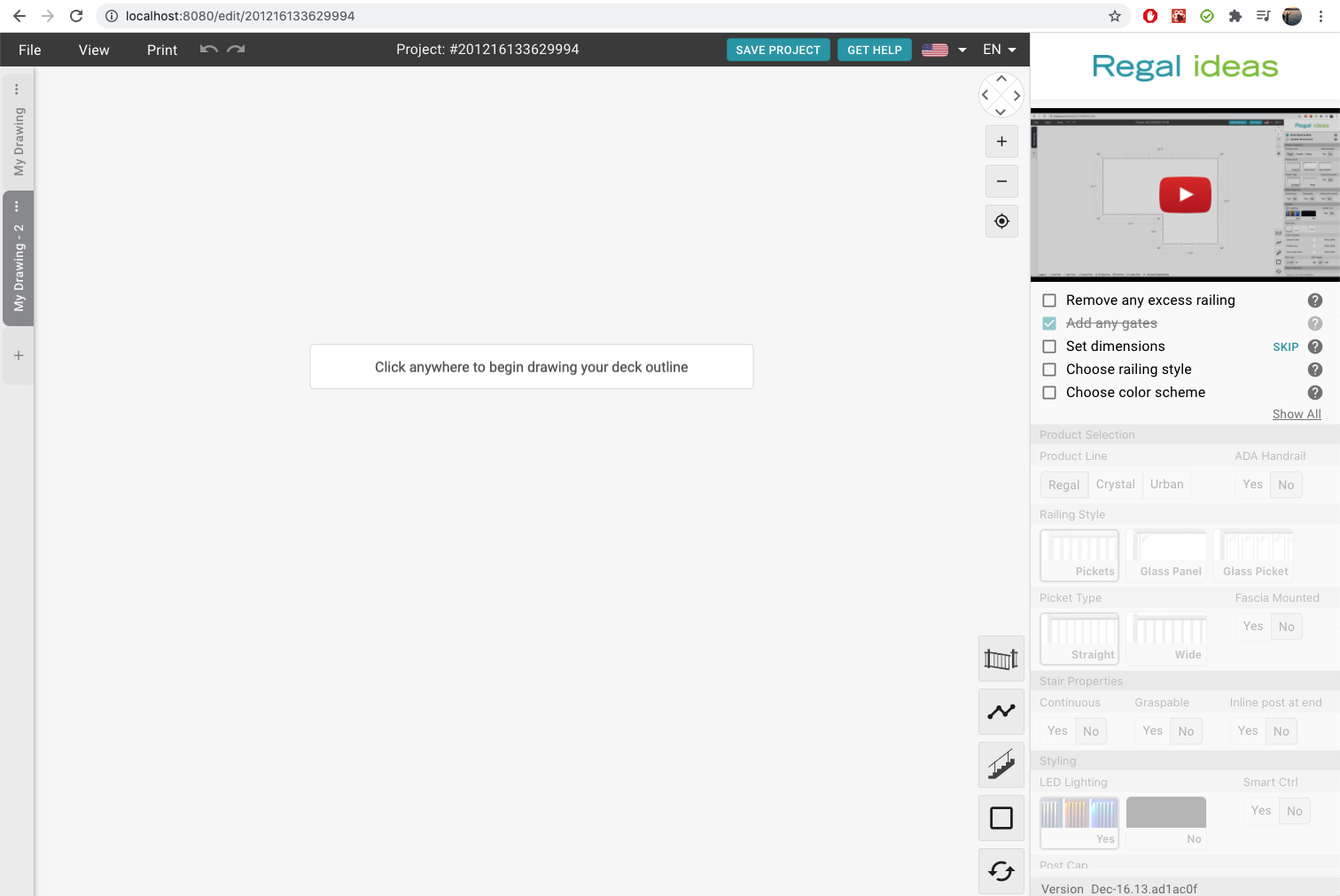
- Look at the thin strip on the left side of the drawing and press the
+button. - Draw the outline of the new deck.
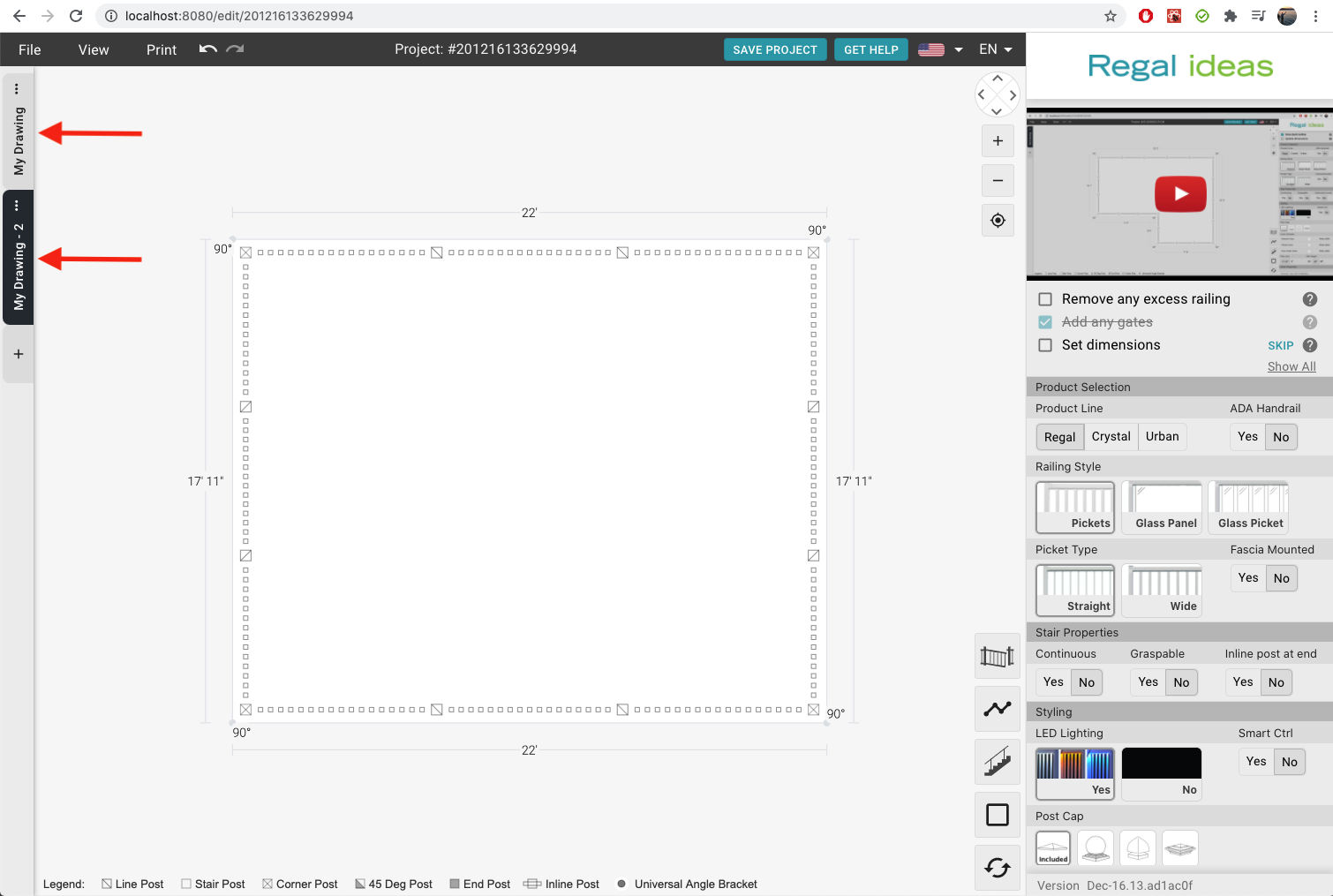
- You can switch between decks by pressing the tabs on the left side.
How to rename my deck
- Look at the thin strip on the left side of the drawing and press the
...button on the deck to rename. - Press the
Renamebutton - Change the name in the modal and press
Save
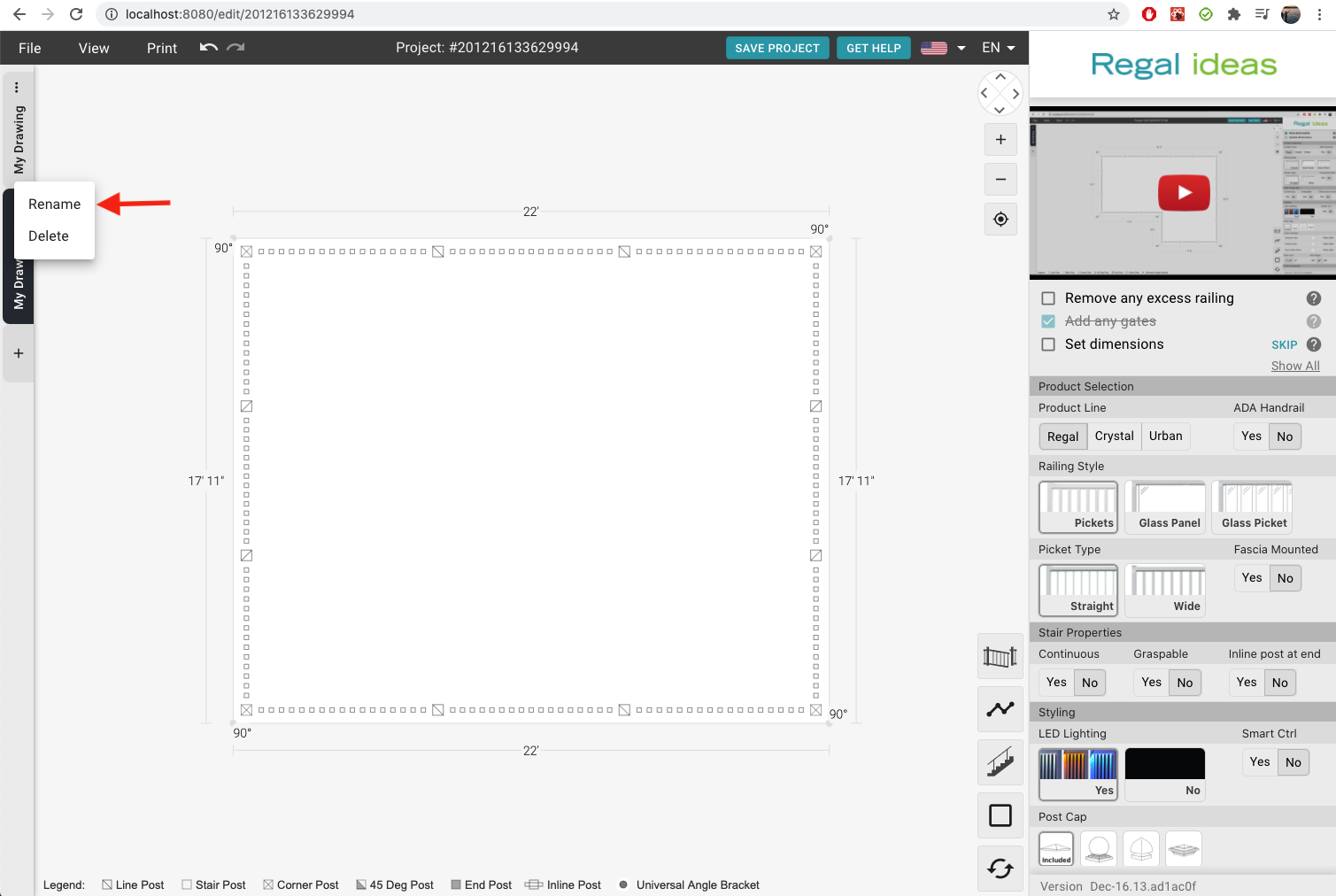
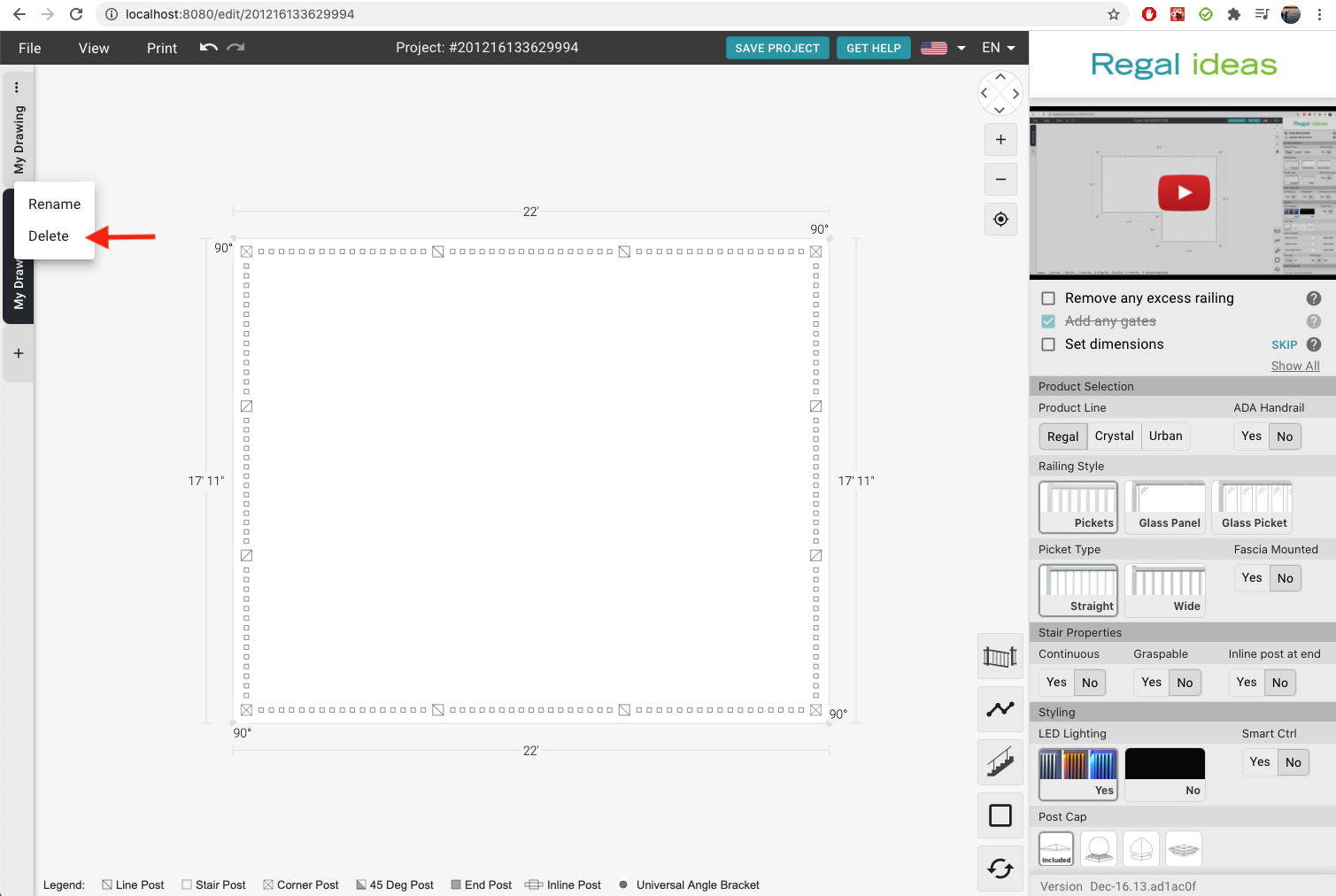
How to delete a freestanding deck
- Look at the thin strip on the left side of the drawing and press the
...button on the deck to remove. - Press the
Deletebutton - In the modal press the
Deletebutton to confirm