Working with Columns
How to add a column
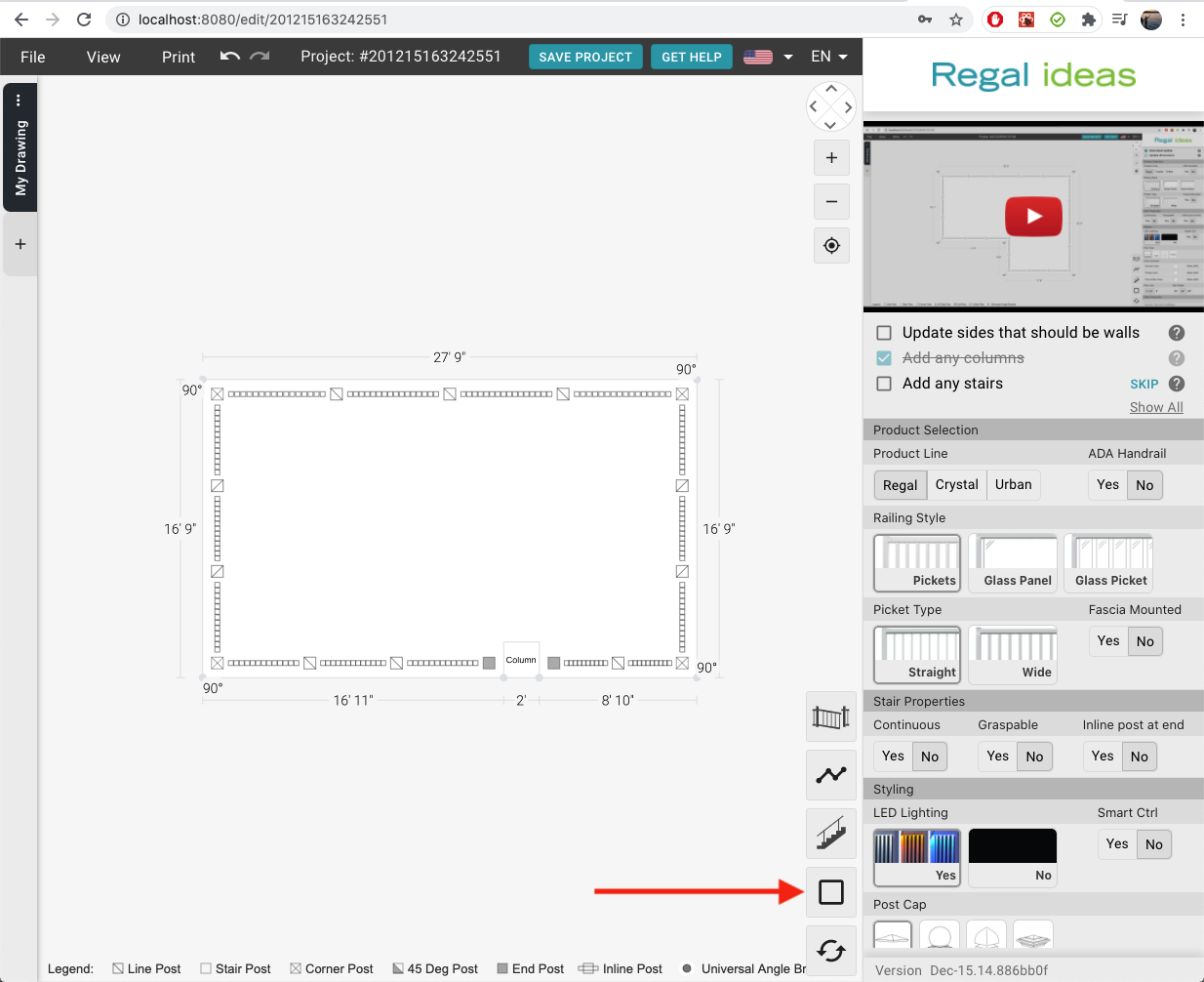
- Look at the bottom right side of the drawing. Choose the button with a square on it.
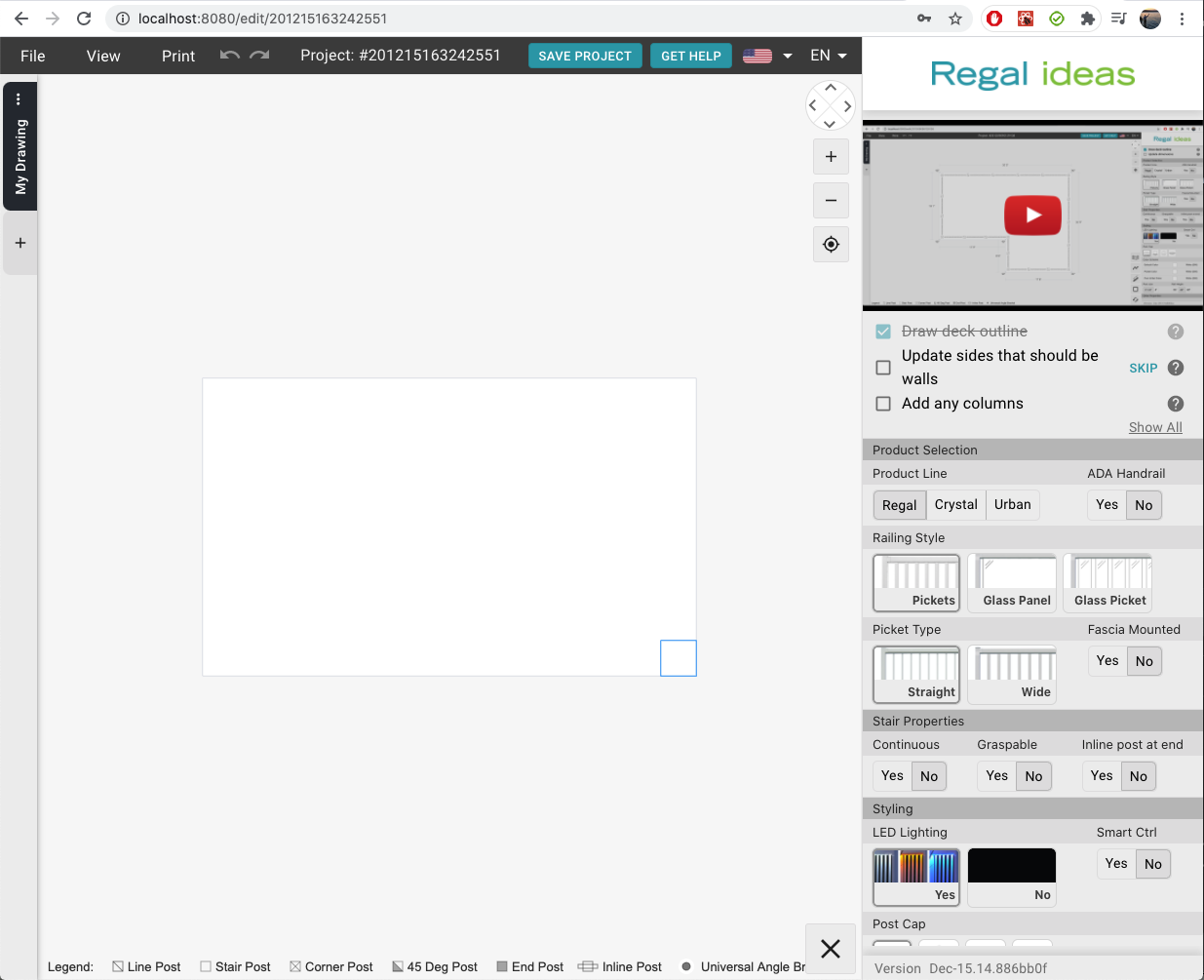
- Move your cursor to the spot where you want to place the column.
- Click to place the column.
How to remove a column
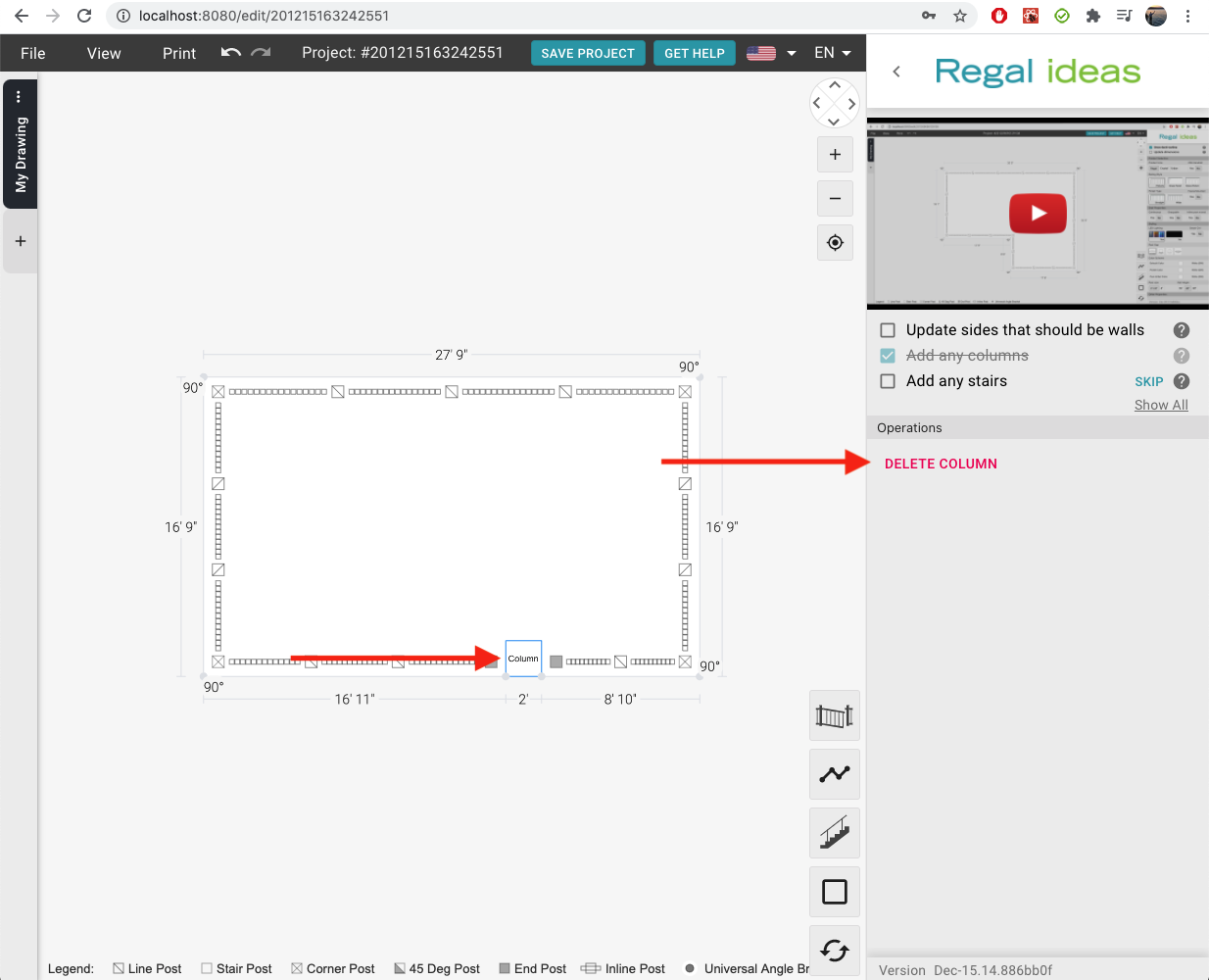
- Select the column
- Click on the delete button in the right panel (or press the delete key on your keyboard)