General Functions
How to customize the deck shape after it's been drawn
todo
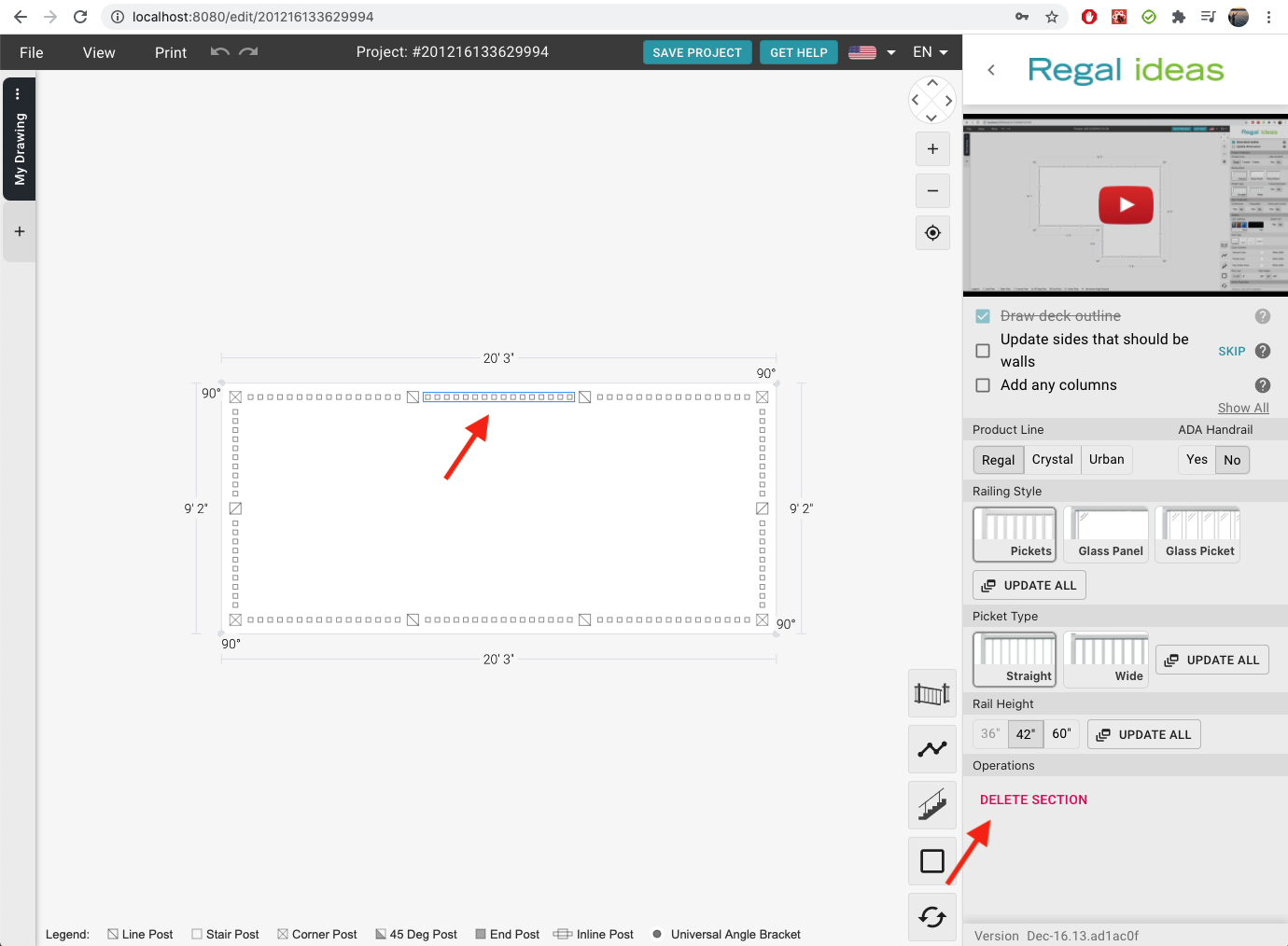
How to remove a railing section
- Select a section of railing
- Press the
deletekey or look in the right panel and press theDelete Sectionbutton
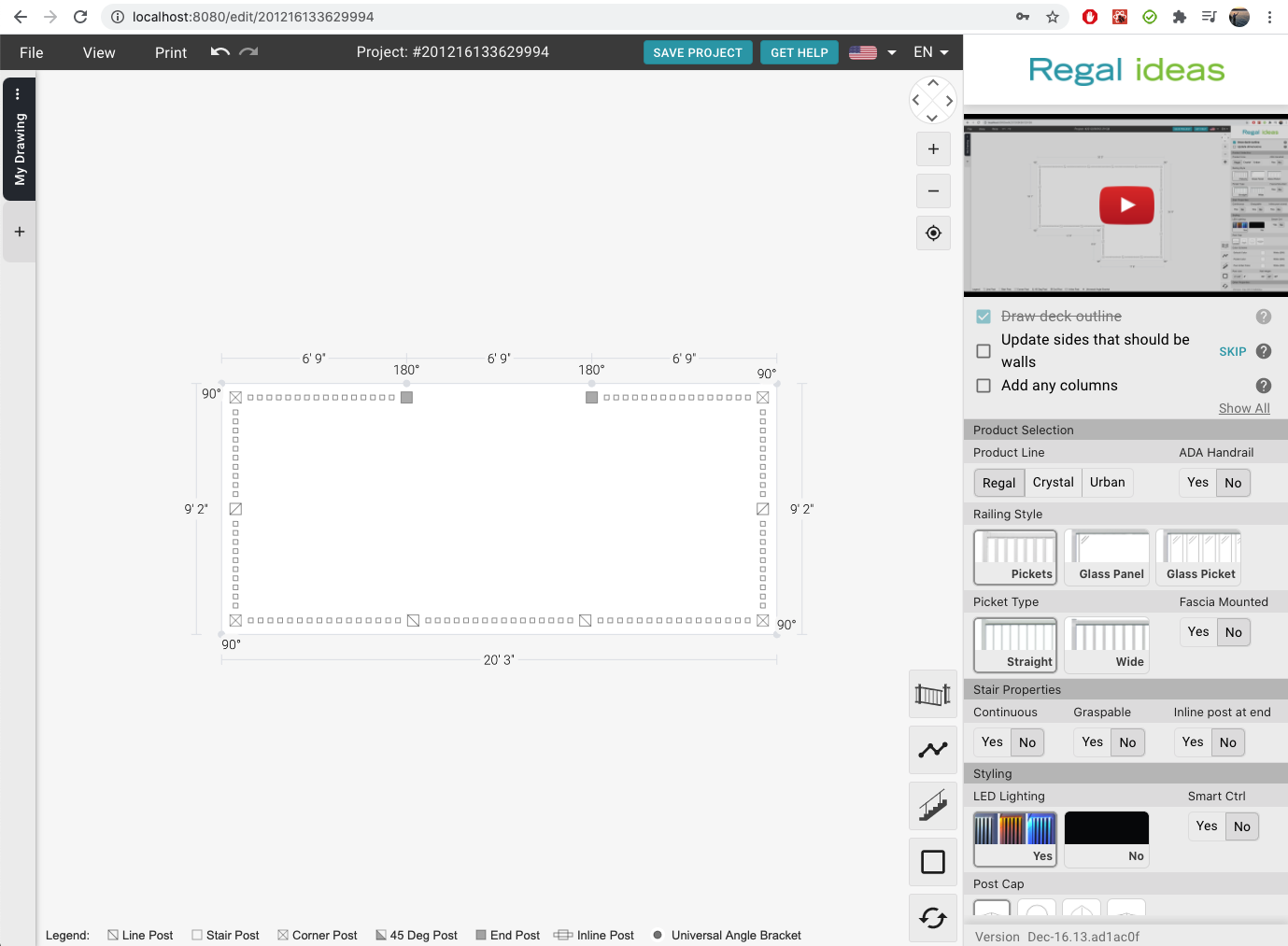
How to Pan or Zoom
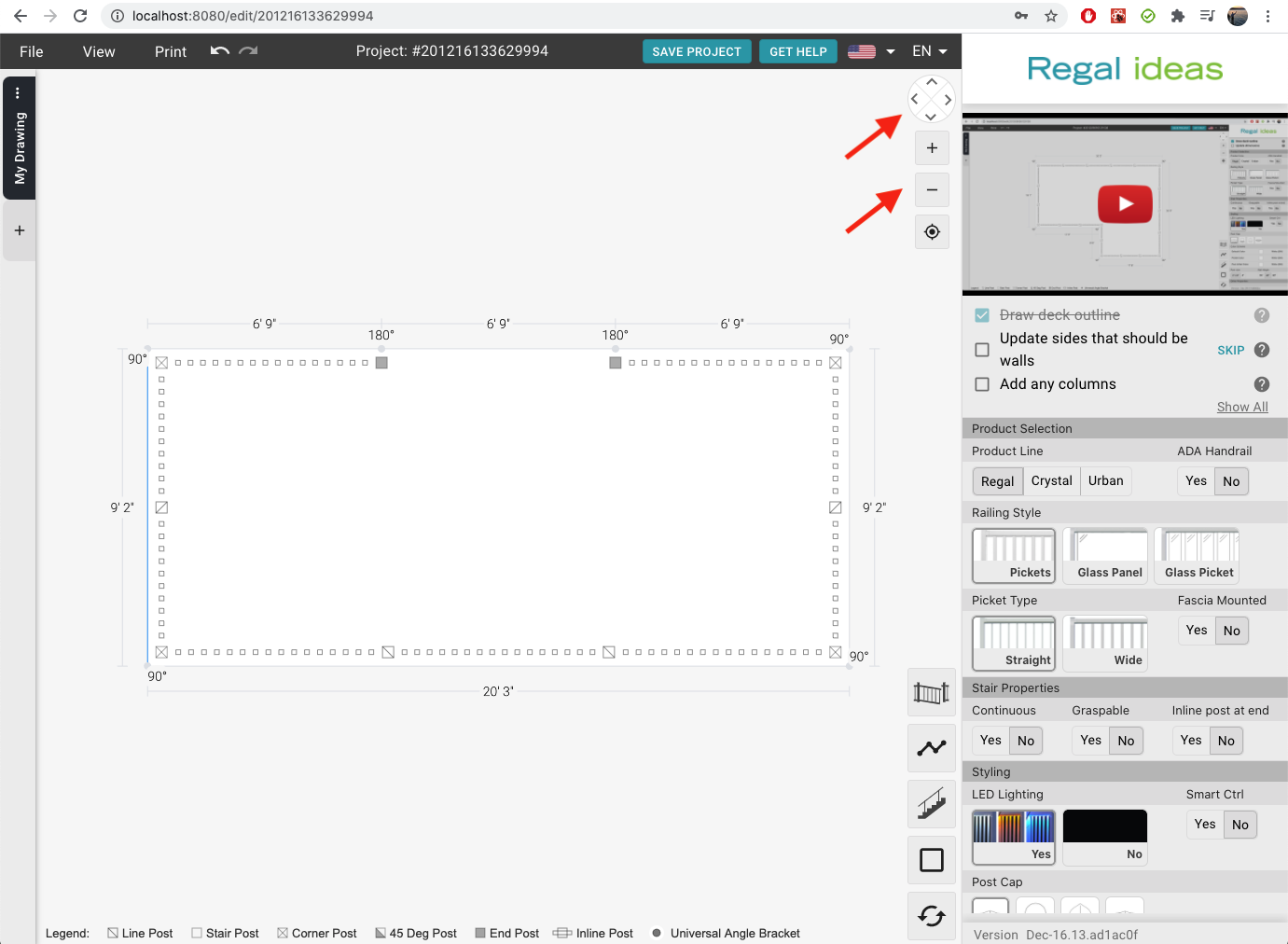
There are two ways to zoom and pan:
- Use the arrow and
+-buttons on the top right of the drawing - Use the keyboard and mouse shortcuts
How to reset the Pan or Zoom
If you get stuck in a corner you can press the Reset View button. This will
take you back to the default view of your drawing.
How to start over with my drawing
You can reset individual drawings by pressing the Reset Drawing button. This
will clear the current drawing, so you can start from scratch.
Common Shortcuts
| Shortcut | Description |
|---|---|
ctrl+z cmd+z | undo any action |
ctrl+y cmd+y | redo a previously undone action |
delete backspace | Delete whatever is currently selected. Applies to railing sections, stairs, columns and gates |
mouse-click+drag | Pan drawing by clicking and dragging on the grey background |
mouse scroll | Zoom drawing in/out |
shift | While drawing an outline, shift will toggle snaps on/off |
escape | While drawing an outline, escape will remove the last point you created |